



Having access to Microsoft is pretty important for your studies. Sure, there are applications that do similar things, but you just know that you’ll be sent documents in Word and Powerpoint that you’ll need to open. We look into if Office for students is free, and how to get it.
Whilst we might all wish that university was just reading, socialising and buying stationary. However, quite importantly, it’s also about assignments, presentations and projects. For that, it’s pretty likely you’ll need access to the Microsoft Office suite. At school, you were probably just used to having it already installed on all the computers. At university, you’ll be using your own equipment mostly, so this won’t be the case.
Is Office For Students Free?
Schools and students can use Microsoft Office for free.
Office 365 Education is available to students as long as they have a valid student email address and their institution is eligible. So, as long as your university is signed up for Office, then you’ll be able to access it through your student email and get it on your personal devices.
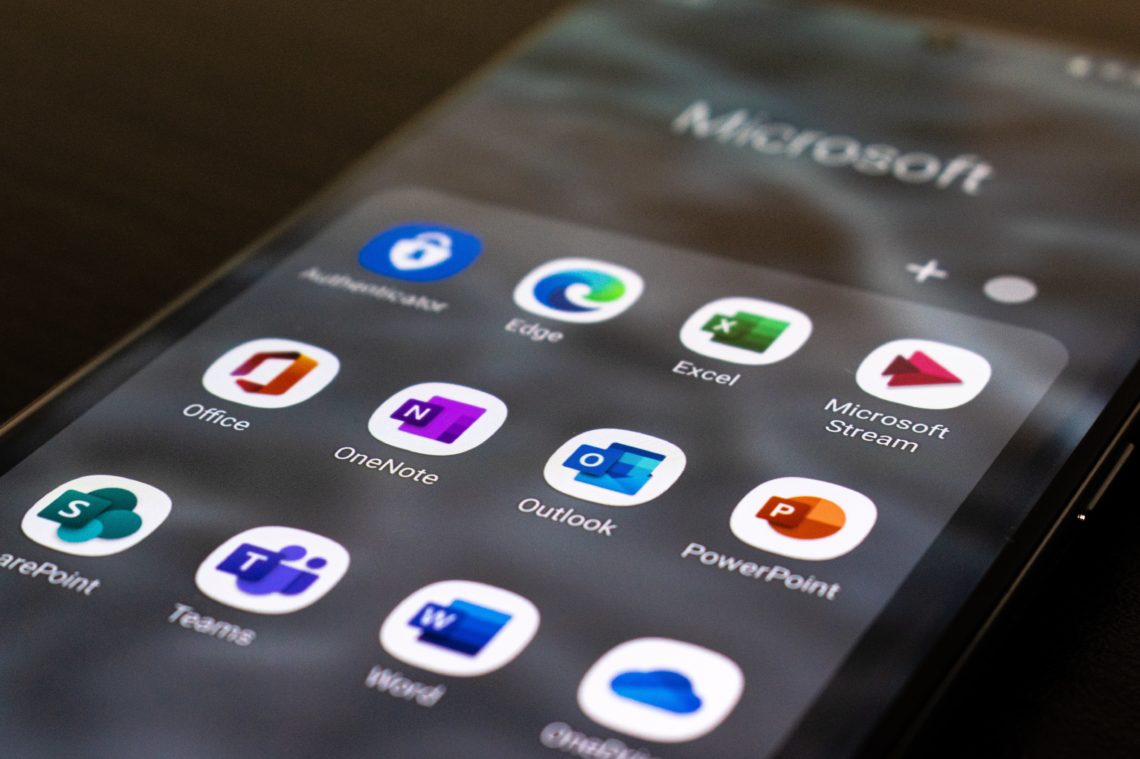
Signing up means you’ll be able to access:
- Word
- Powerpoint
- Excel
- Teams
- Outlook
- Exchange
- One Drive
And a lot more.
More than likely, a lot of your future employers will use these applications as they’re so popular. If you’re not already familiar with how to use them, then your free student access is a great time to get to grips with it.
Plus, you can get any of the applications on iOS, Android or Windows devices, so don’t worry that your laptop may not work with it.
Having Office for students also means being able to use the Cloud. No more worrying if you’ve lost your assignment or that it didn’t save properly; using the Cloud means you can get hold of everything you’ve uploaded from all your devices, whenever. Just turn automatic upload on and you’ll never have to worry. Additionally, it makes working collaboratively super easy. Just share documents through One Drive and others can see what you’ve uploaded and even edit it
How To Sign Up And Install
To see if your university is eligible, type your student email address into the Microsoft website.
After that, you’ll need to sign in to your student email account and you’ll be redirected to download the software on your device. There are online versions of the Office 365 Education applications, so you can just sign into those if you don’t want to take up your laptop’s storage. Plus, that means you don’t have to download it on every device you use.
By signing up, you’ll also get 1TB of free online storage with One Drive.
Once it’s downloaded or you’ve signed in, it’s just a case of using it! Unfortunately, when you stop being a student you will have to pay for it again. That’s why you should definitely make the most of the freebies now!