

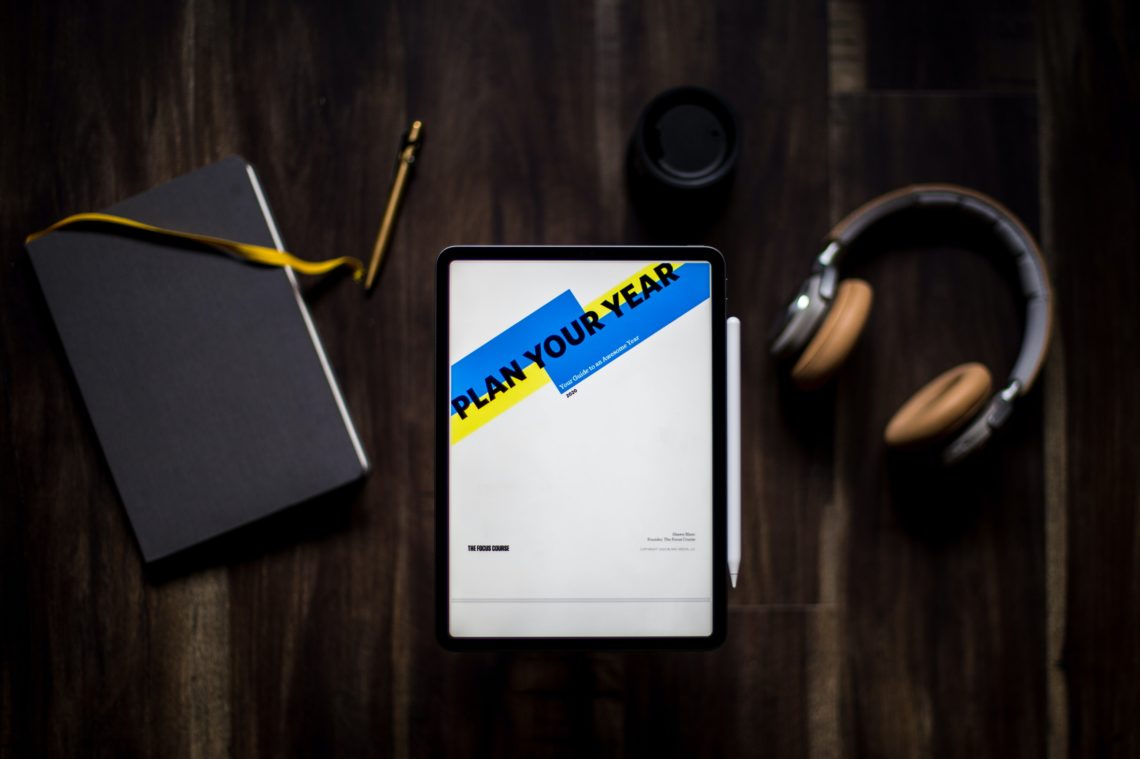


One of the main reasons I wanted to get an iPad was having the ability to take notes by hand and on something that I was not going to loose my notes on.
As someone who has to plan their day out with to-do lists and a calendar, using digital planning has been a lifesaver.
I managed to get a cheap and easy pen that works with the type of iPad I have on Amazon.
First I would download the app Good Notes on any app store on your chosen device. This app is something that I have used to take notes for university, as well as using the option to upload templates and pictures in for my planner.
On Etsy, you will find a variety of products that differ in design and layout. Some are more focused on habit tracking, and others are more well suited for entrepreneurs, but I found one that had a lot of options from daily/weekly/monthly calendars, to gratitude tabs to financial planning tabs. These you can buy and download to place in your good notes app.
If you are on a budget, some creators on Etsy have a website that you can be apart of the first time user site and use their free beginner templates, which have become amazingly useful.
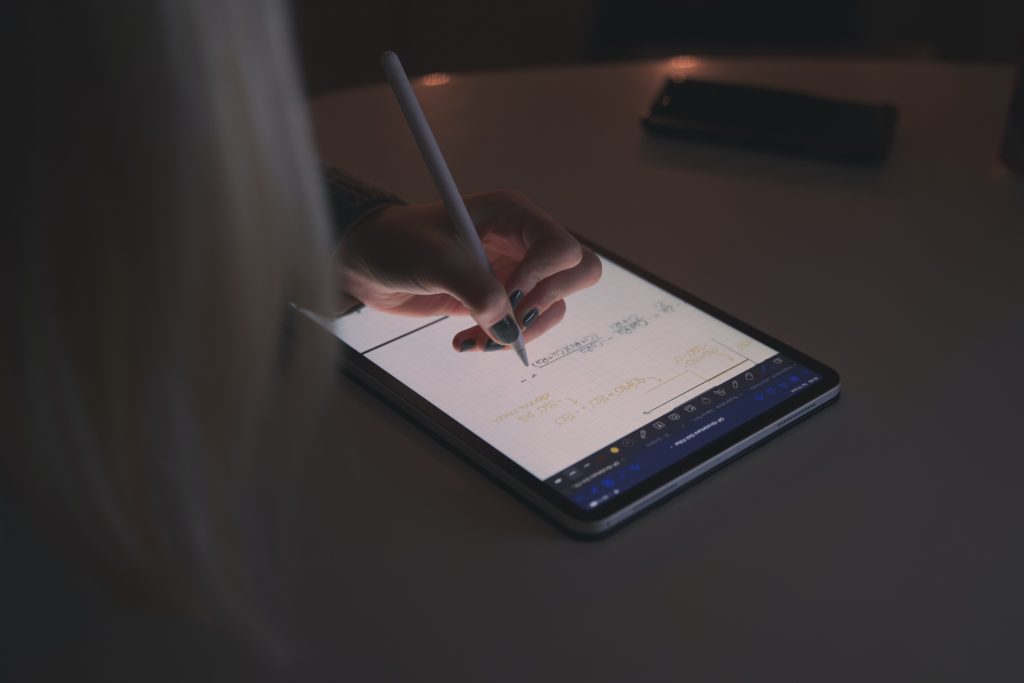
Previously my paper planner could fill up with very quickly, getting messy with my handwriting or crossed-out lists. So far, I like how my digital planner feels organized, neat and I can easily erase things in a second.
Here are some top tips I would give from just starting out myself.
Customise it
You can find sellers who customise their templates to each season of the year or different holidays. Or get creative yourself and make your own designs. Some people love using images and color blocks to decorate their planner and make them more excited about using it.
Get organized
The first of each month serves as a great opportunity to identify important deadlines and dates. Sunday is a great time to write out your week.
Sit down with it
I take a good 30 minutes of my day to sort out the day/week/month ahead. I like to reflect on my daily to-do list and schedule. It helps me organize my priorities for the day.
Make time to review
Have a look at your planner during the day. Is there something you have missed or you want to remember to do?
Have some fun
Just enjoy it. Create a planner that works for you and stick to it. Have a rhythm.
An extra little tip is to use the shortcut option Apple offers. Use your shortcut on your planner for each day so it makes it easier for you to access.