



Instagram always gets our best photos and, either consciously or subconsciously, we use it as a digital diary to store our favourite memories. But that isn’t enough — now you can make a reel using your best moments from 2022 for you to look back on in years to come. It’s like when your grandparents would create a video of all the photos they took on holiday for everyone to gather around and which. Actually, no — it’s a lot more interesting than that.
Instagram 2022 Recap
The year-in-review feature is available to all users globally and will be for the first few weeks of 2023 to. So, don’t worry if you want to include Christmas memories or New Year’s Eve celebrations — your recap can literally be for the whole of 2022.
Plus, once you’ve created your recap, it will stay in your Reels tab on your Instagram profile for either you or your friends to look back on for months to come.
Users can really personalise their 2022 recaps too. This isn’t like Spotify Wrapped where it’s all made for you. Instagram gives you the templates and the choice from a few options over music/narration, but essentially it’s all down to you.
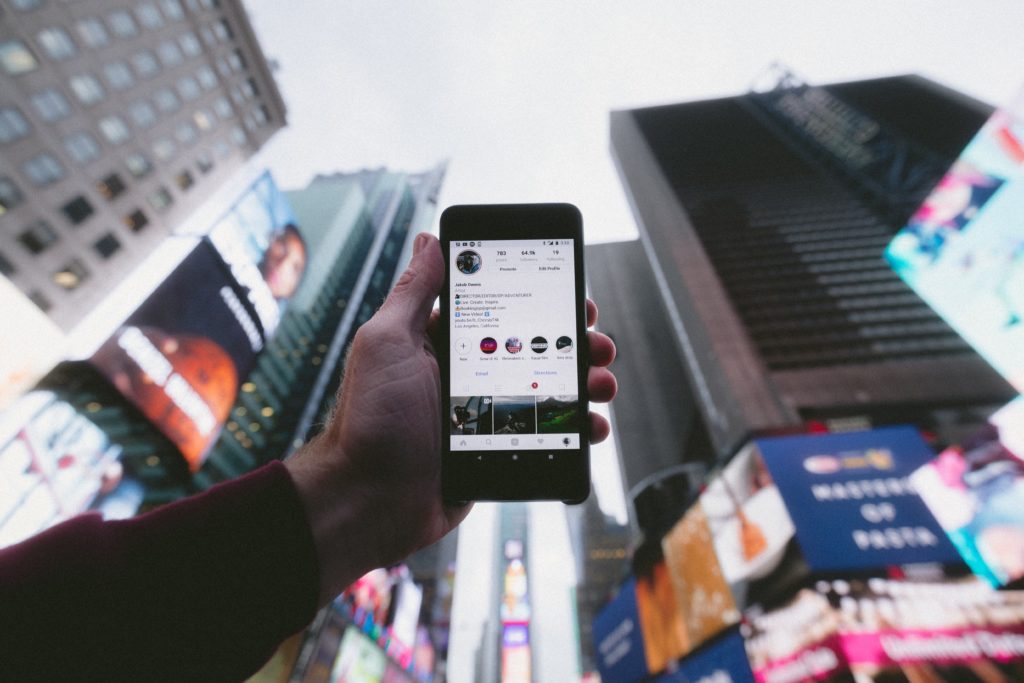
How To Do Your Instagram Year In Review
Getting involved is super easy. Just go to the Reels tab on the Instagram app and click the camera icon in the top corner. Select templates from the two options right at the bottom of the screen. You’ll then see that the first four options are templates for your 2022 recap. Watch them all, select the one you like the most and then select the images and videos that you want to use.
Unfortunately, you can’t choose your own music or narration — it has to be the ones from the templates. But, you can have Priah Ferguson from Stranger Things narrate your year which is a pretty cool option too.
Hopefully, you’ll want to get involved and have something else that sums up 2022 for you. Use the Instagram year in review hashtag so that your recap can join the thousands of others getting involved. Or, look up the hashtag to get some real inspiration for your own!