

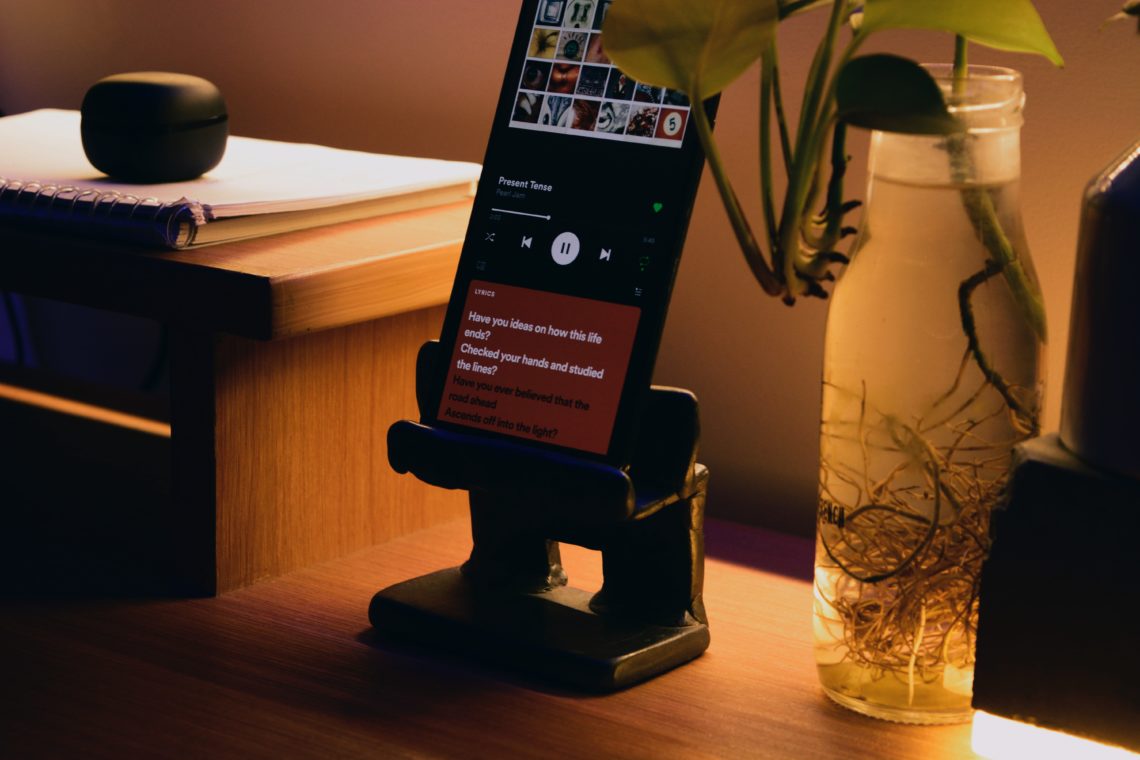


People listen to music, podcasts or even white noise to help them relax before going to bed. The only problem is, whatever you’re listening to tends to carry on even when you fall asleep. You’ll wake up in the middle of the night, or even the morning, with it still playlist or something completely different blaring. Now, Spotify are helping their users get sleep ready, without worrying about their phone dying or waking up to something random. If you’re intrigued, then we can tell you what Spotify sleep timer is and how to set it up.
Waking up in the middle of the night because the nice calm playlist you put on before bed has turned into club classics isn’t ideal. It’s fairly common for people to want to listen to some kind of noise to help them drift off, as silence can be a bit too quiet. But having it play for hours and hours isn’t any good for your phone battery either. Luckily, Spotify have thought it all through.
What Is Spotify Sleep Timer?
Spotify sleep timer is a built-in feature of the mobile app which allows users to set a timer for music or podcasts. Whatever you’re listening to will automatically stop after the amount of time you have arranged, pausing it for you to carry on at a later point.
The feature isn’t available on the web player or desktop version. Spotify sleep timer will only work if you listen through your phone at night.
Spotify sleep timer was first introduced in 2019. But, it became more well-known when Spotify released an article about it last summer.

How To Set Up Spotify Sleep Timer
There is a slightly different way of setting up the sleep timer depending on whether you’re listening to music or a podcast.
For music, go into now playing, or start playing the song/artist you want to drift off to. Select the three dots in the top right-hand corner to bring up the options menu. If you scroll right to the bottom, then you’ll find the Spotify sleep timer option.
For podcasts, you simply need to press the moon icon that’s on the Now Playing screen. Just pick the one you want to listen to first.
Both options will then ask you how long you want the timer set for. You’ll have the choice of 5 minutes, 10 minutes, 15 minutes, 30 minutes and 45 minutes. Or, you can choose for it to play until the end of the track. Clearly, the latter option would only be a few minutes if you’re listening to music. However, it could be way over an hour for a podcast.
A little notification will then pop up and tell you that your sleep timer is set. If you want to check how long is left at any point, select those three dots again. Where the sleep timer option was before will now be the remaining time on your timer.