

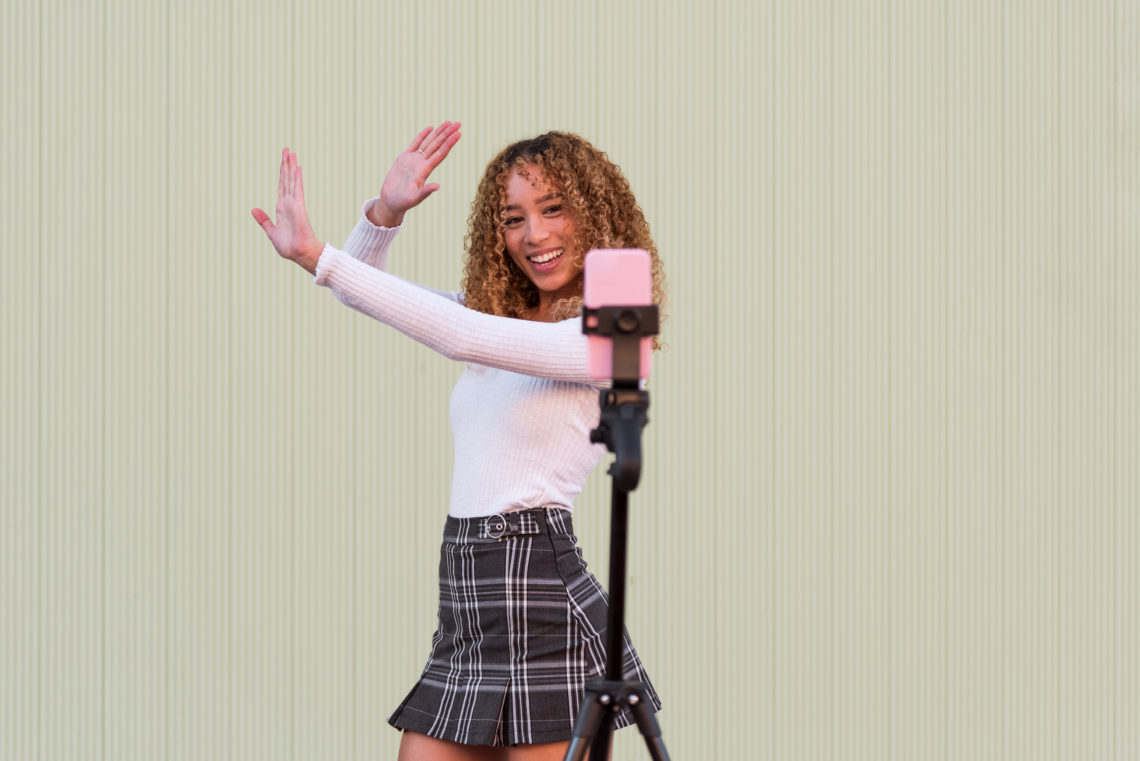


We all want our videos to be as funny as possible, and that doesn’t just apply to what people see. Here’s how to get and add voice filters on TikTok to have some hilarious results.
Filters make a huge difference on TikTok. Not only do you get ones that go viral, like the buzz cut filter or the disgust filter. However, there are ones that affect the way you sound as well, and they have hilarious results. With people finding them harder to find than regular ones, we can help you out.
How To Get Voice Effects On TikTok
Back in October 2022, TikTok released a whole bunch of new voice filters, however, they had a limited release, meaning to everyone had access.
However, months later this shouldn’t be a problem as most should be widely available to all users. That being said, if you are running into issues then there are a couple of things to try.
Firstly, ensure you have the latest update. It’s unlikely you haven’t updated it since October, but it is possible. Plus, you can turn on automatic downloads for all your social media where you download your applications.
Secondly, you may want to clear the cache for TikTok in your settings. It could be that your device is running an old version and therefore restricts your ability to use voice filters.

How To Add Voice Filters On TikTok
Adding them is as simple as any other filter. Once you’ve recorded a video where your voice can be heard, select the three dots on the side of the screen and find audio editing.
Here you’ll be able to scroll through all the voice effects until you find one that you want to use, or that makes you sound the funniest.
Alternatively, there is another way to add it to a video. If you’ve already found an effect you want to use, then just find a video that uses it too. Usually, in the corner of a video, they’ll be a button which says to try the filter. By clicking this, you’ll be redirected to recording yourself with the filter already in place.
Examples Of Them In Action
Now you know how to use it’s a matter of choosing which one to try it out. Luckily, we’ve got a few examples from some viral TikToks to inspire you.
Not only does this video show you one of the most popular voice filters, but it even gives some more advice if you’re struggling to use them yourself.
This one is an oldie but a goldie and still deserves the love.
The megaphone effect is one of the best if you want to make your singing videos that little bit extra.
There are so many to pick from, so that’s just a small glimpse into the ones you can try out yourself!